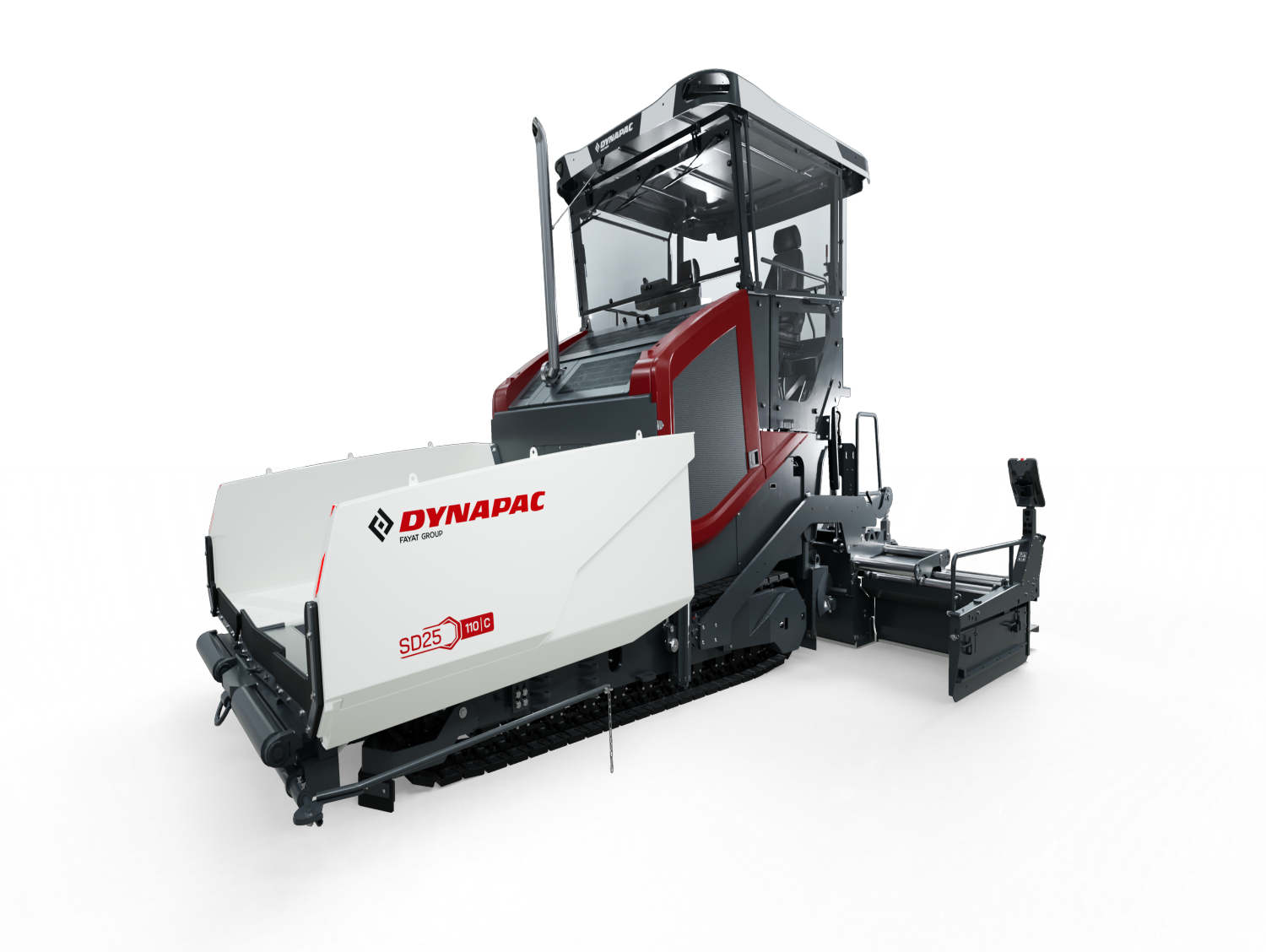
Europe’s first fully electric highway asphalt pavers Dynapac SD25 80C e have been delivered directly from the factory. A major step towards scaling up zero-emission construction equipment.
At the Dynapac plant in Wardenburg, production of the valued SD2500 series has been completed. The last machine successfully left the production line, symbolically closing an important chapter in the company's history that began in 2019.
Making its official debut at CONEXPO-CON/AGG 2026, the all-new CC7000 VI arrives with a big statement: the heaviest asphalt roller on the market, weighing an impressive 15 tonnes.
Dynapac has been awarded first place in the prestigious sponsorship award presented by the VDBUM. In the category “Developments from Industry,” the fully electric SD25 80C e road paver impressed with its innovative technology and forward-looking design.
With the rise of autonomous asphalt paving and intelligent machine control, the industry is entering a new era: Road Construction 4.0. Dynapac is at the forefront of this transformation, delivering digital leveling systems and autonomous paving technologies that are not experimental concepts, but proven solutions already in real-world use.
Dynapac soil compactors aren’t just engineered for though conditions, they are proven in the field. Operators describe them as robust machines with minimal maintenance needs, delivering reliability shift after shift.
On a late summer day at a highway construction site in northern Germany, the KEMNA team is preparing for operation. However, today marks a special occasion: the new Dynapac XD25 110C is operating on-site for the very first time.
Dynapac India received the “Top Exporter for the year 2023-2024 for Medium Enterprise” at the 56th Engineering Export Promotion Council of India National Award from Shri Piyush Goyal – Hon. Miniter of Commerce and Industry, Govt of India held at Vigyan Bhawan, New Delhi on September 8, 2025
Ridderkerk/Amstelveen, Netherlands – In a groundbreaking milestone for sustainable road construction, the all-electric SD25 80C e, the first paver of the highway class to be fully electrified, has successfully completed its first on site operation.
If you want to check out all the Dynapac news items click here.
To unlock extra Dynapac news items you have to log in with your MyDynapac account first.

 Глобальный / Английский
 Испания / Испанский
 Франция / Французский
 Германия / Немецкий
 Италия / Итальянский
 Норвегия / Норвежский
 Польша / Польский
 Швеция / Шведский
 Китай / Китайский
 Индия / Aнглийский
 США / Английский
 Бразилия / Португальский
 Россия / Русский
 Австралия / Английский